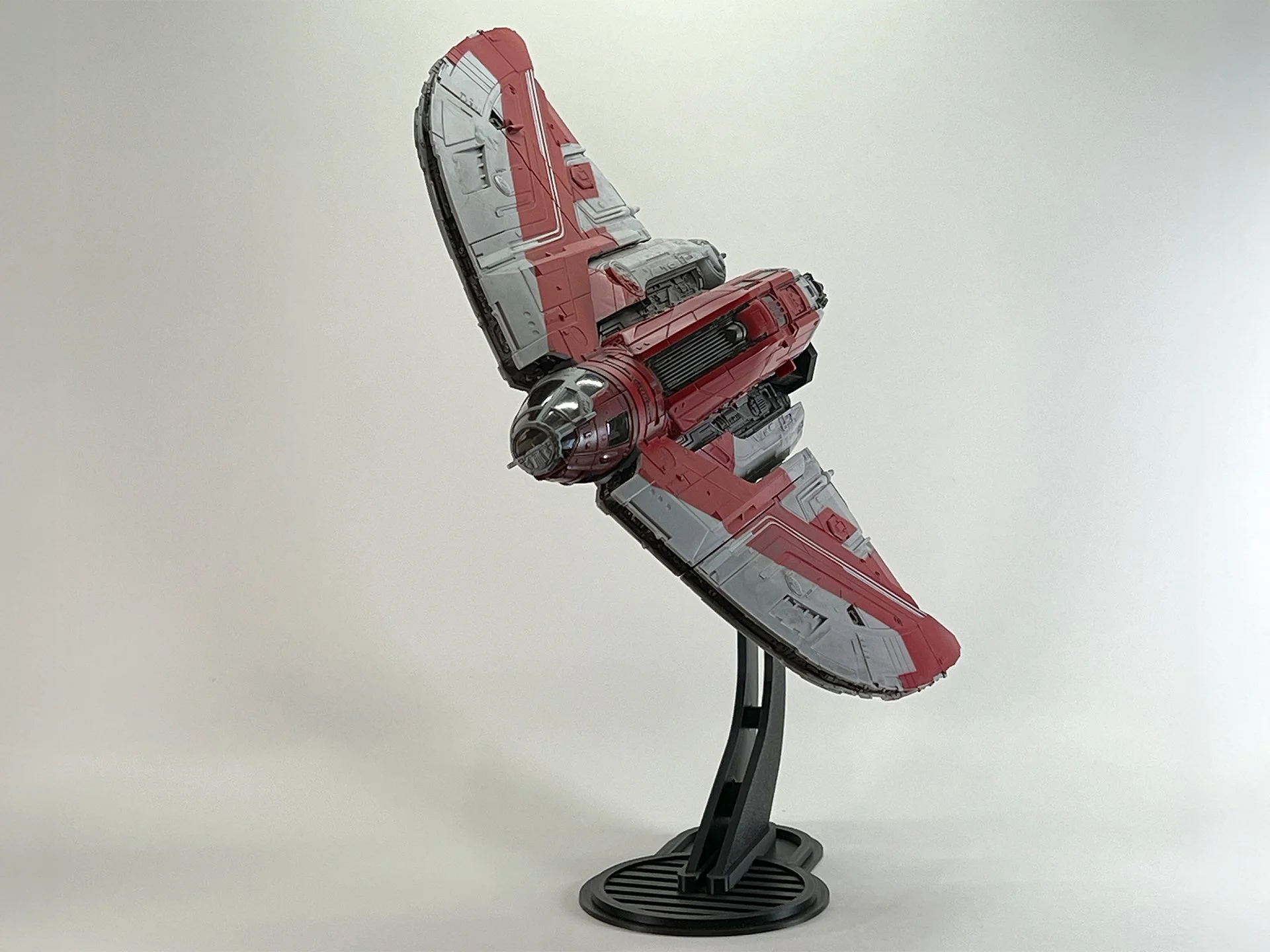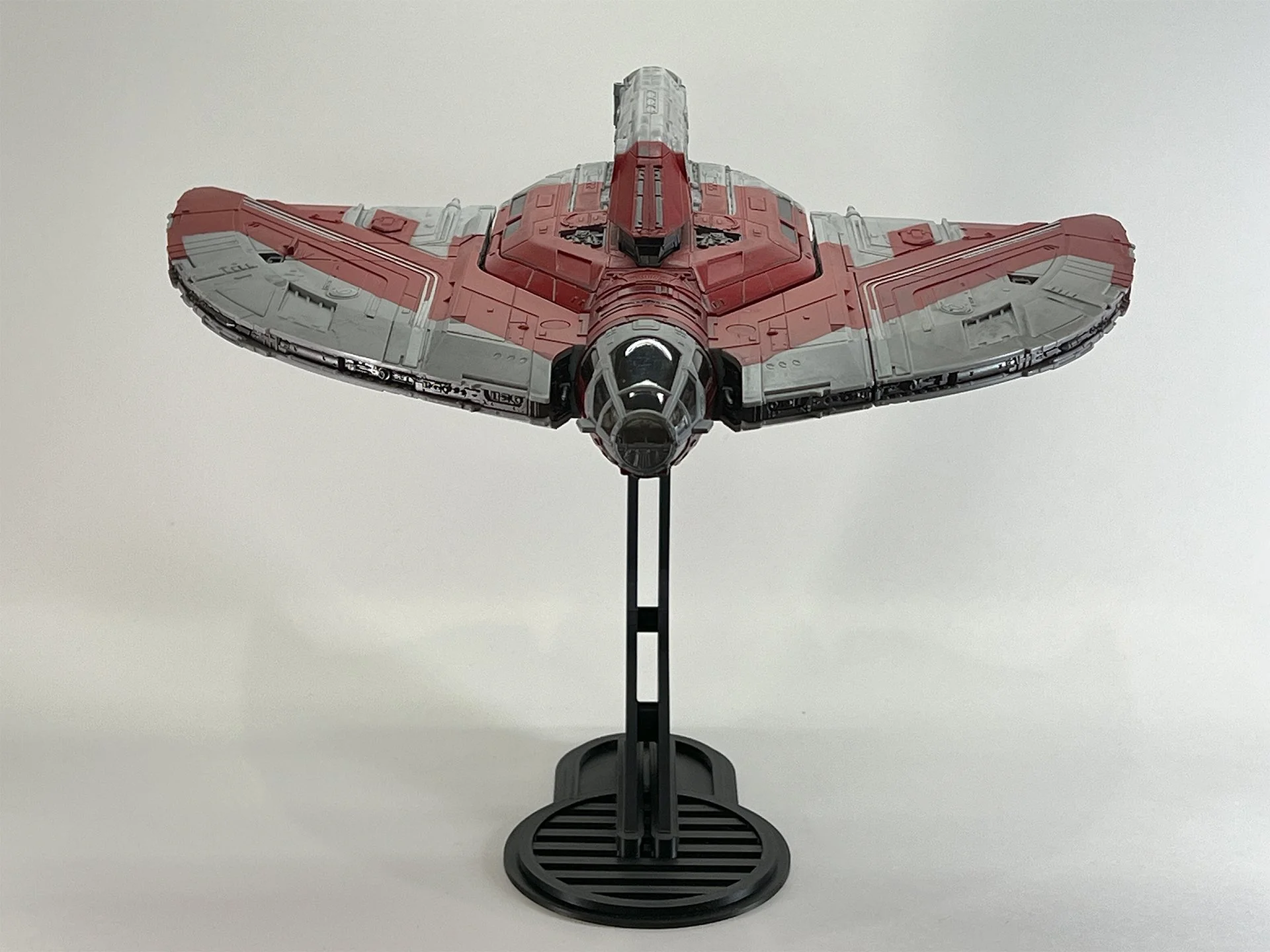
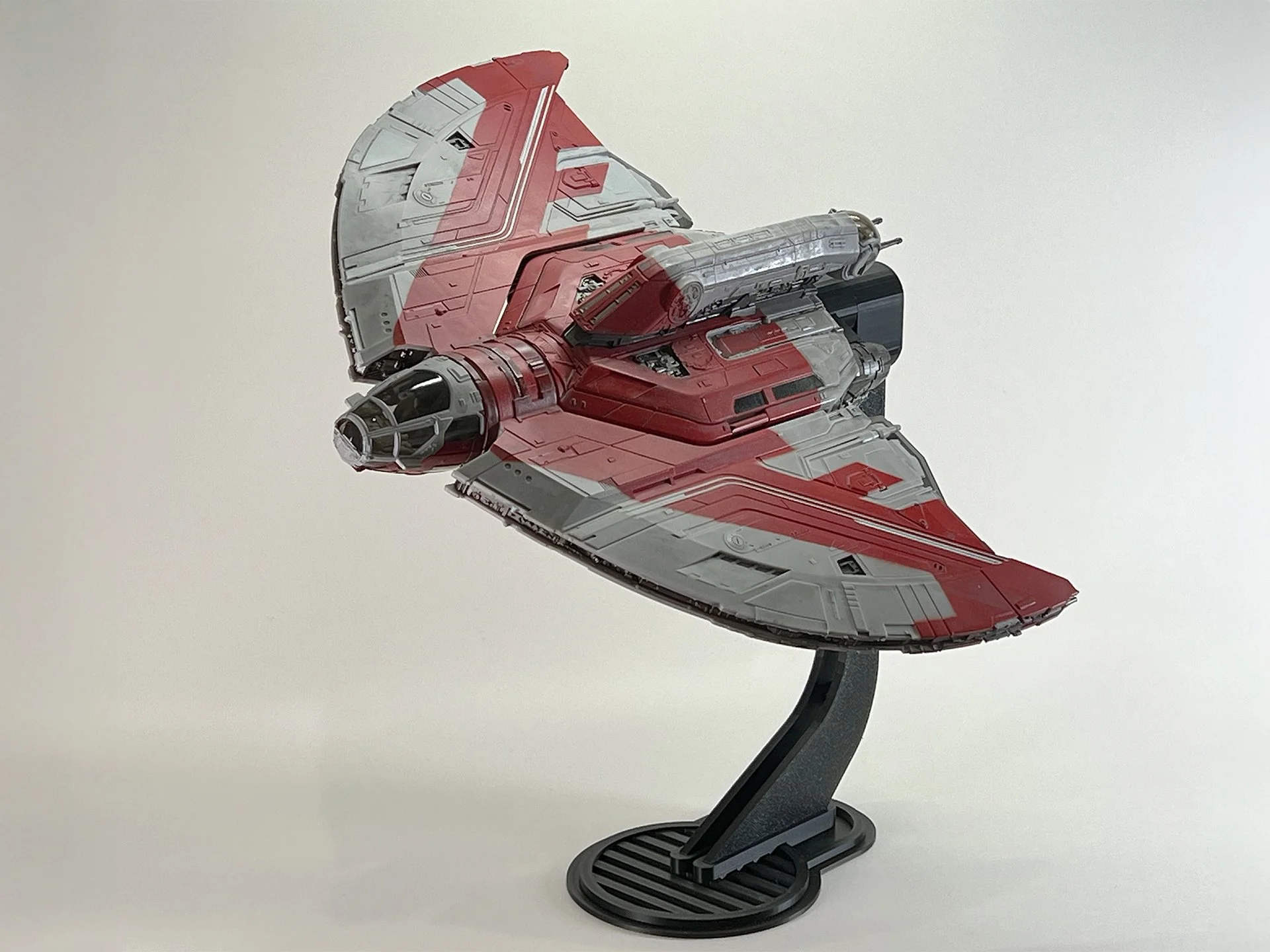
Micro Galaxy Squadron T-6 Shuttle Flight Stand

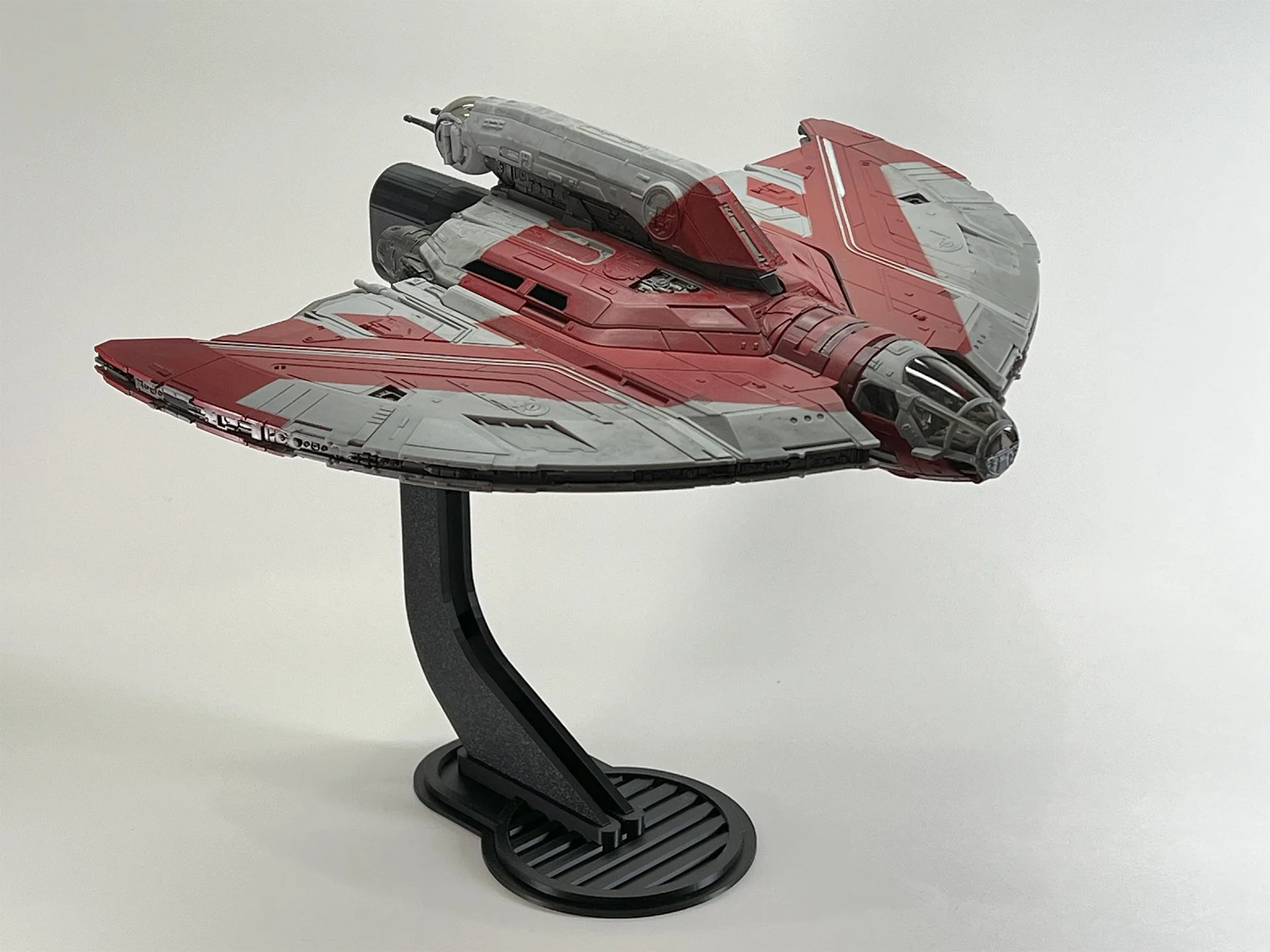
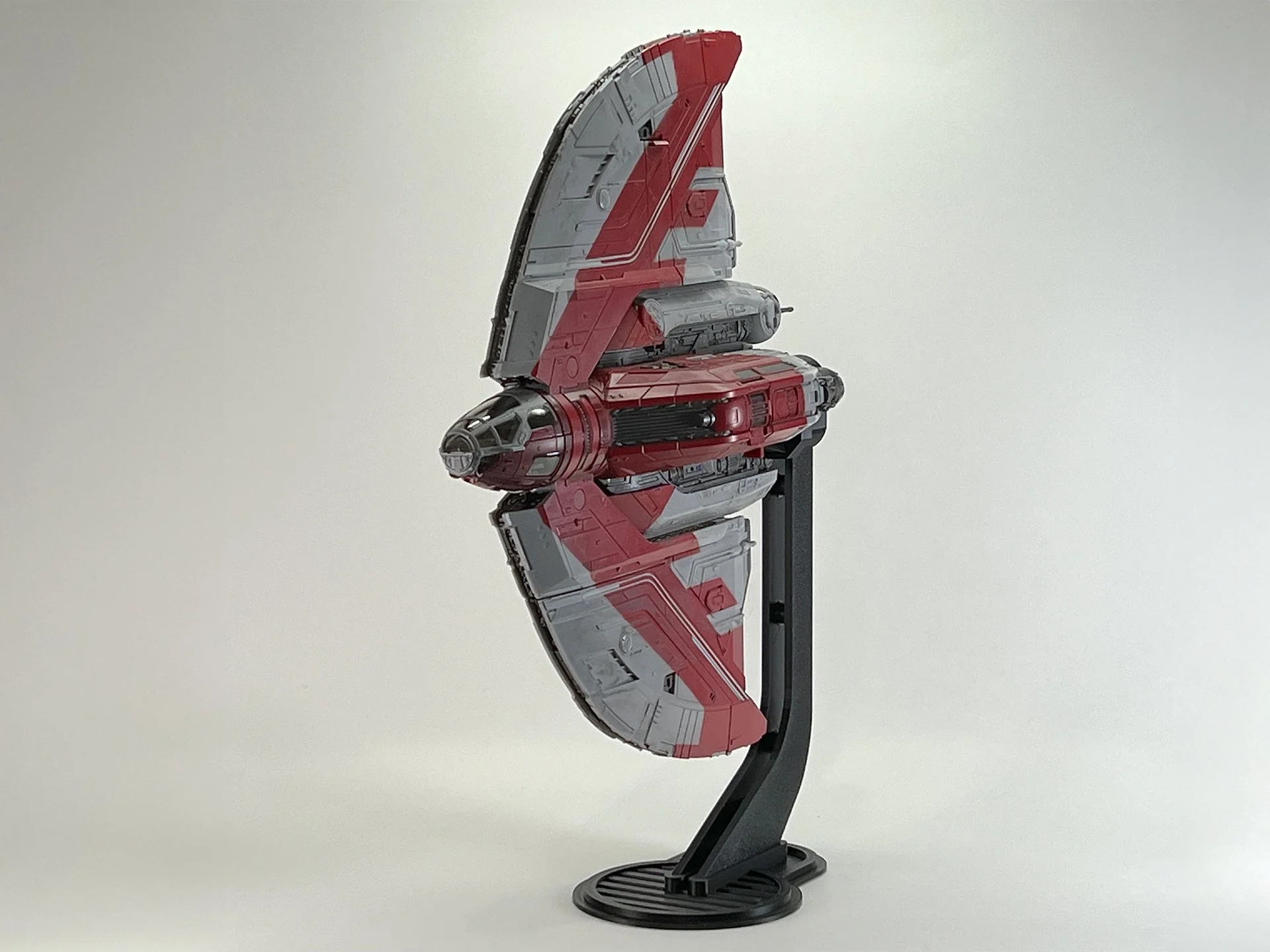
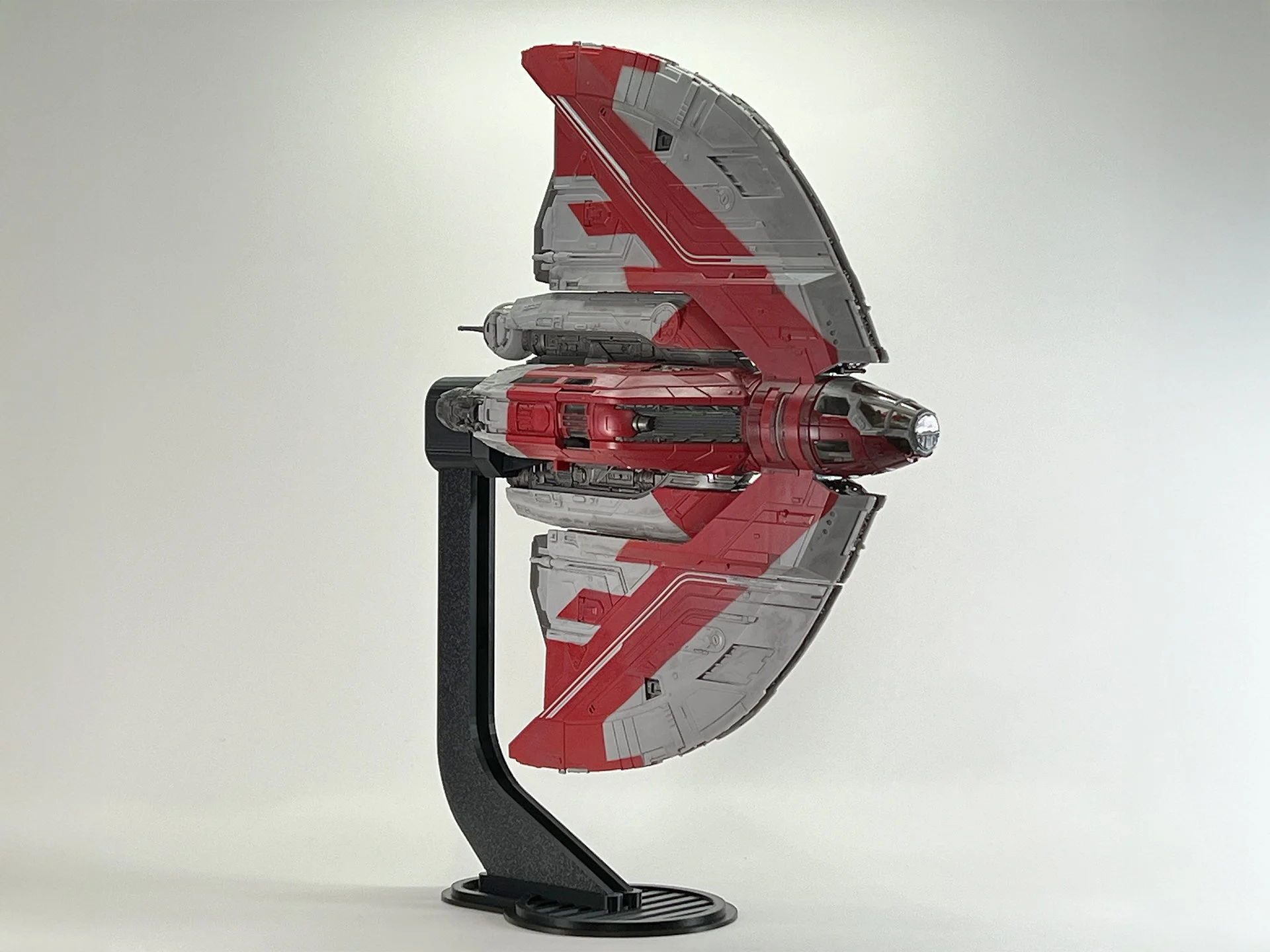
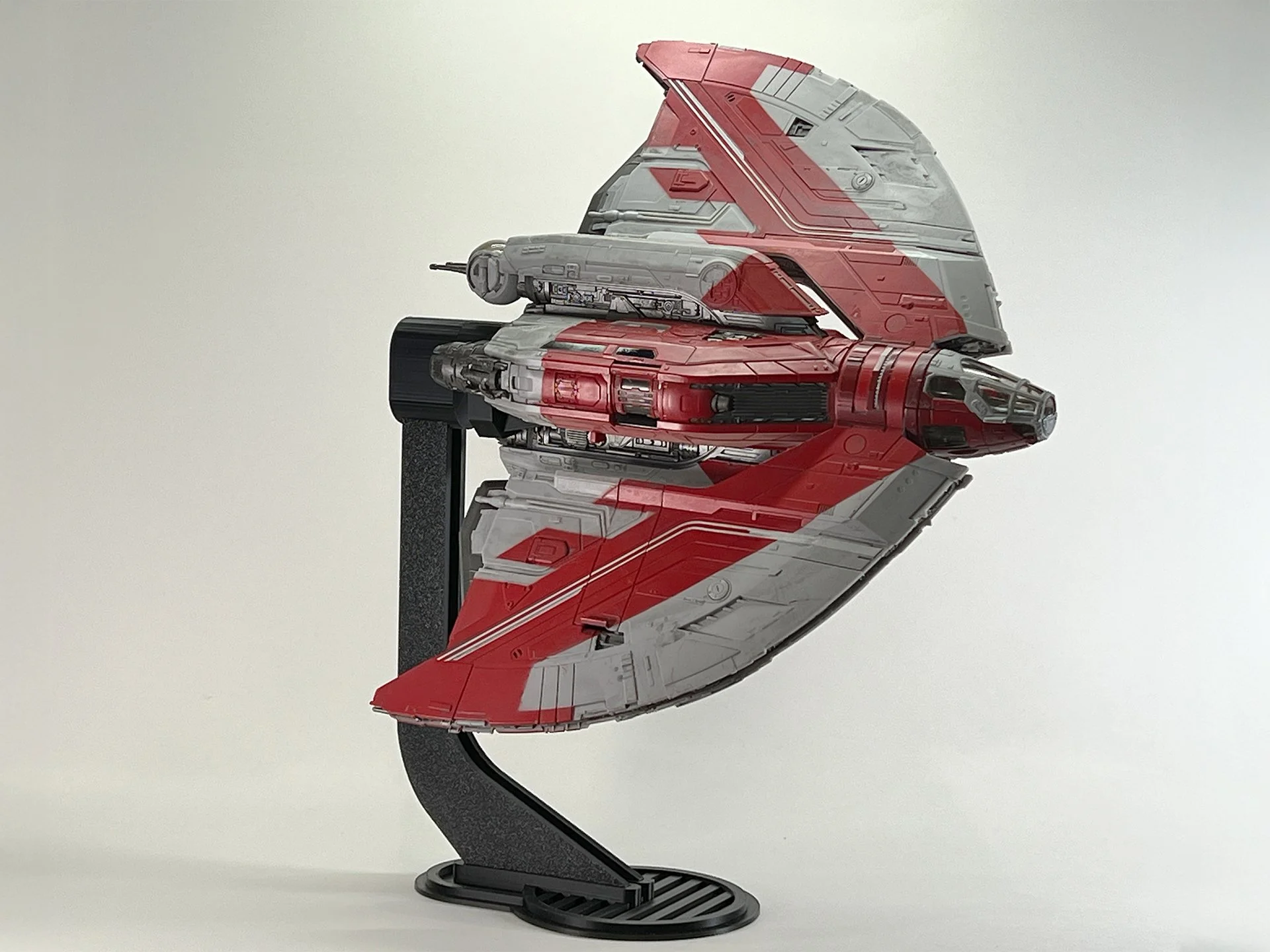
Ahsoka’s T-6 is a Dreadnaught-class shelf piece — long, distinctive, and heavy enough that a tiny desktop peg never looks right. This stand is sized for the Micro Galaxy Squadron T-6 Shuttle so you can show the full wing profile in a clean flight pose instead of parked flat. Use the pivot for a shallow bank or a more dramatic climb; give the ship clearance before you force a tight twist. Made to order in Minnesota (about 5–7 business days). Stand only; not an official Jazwares part.
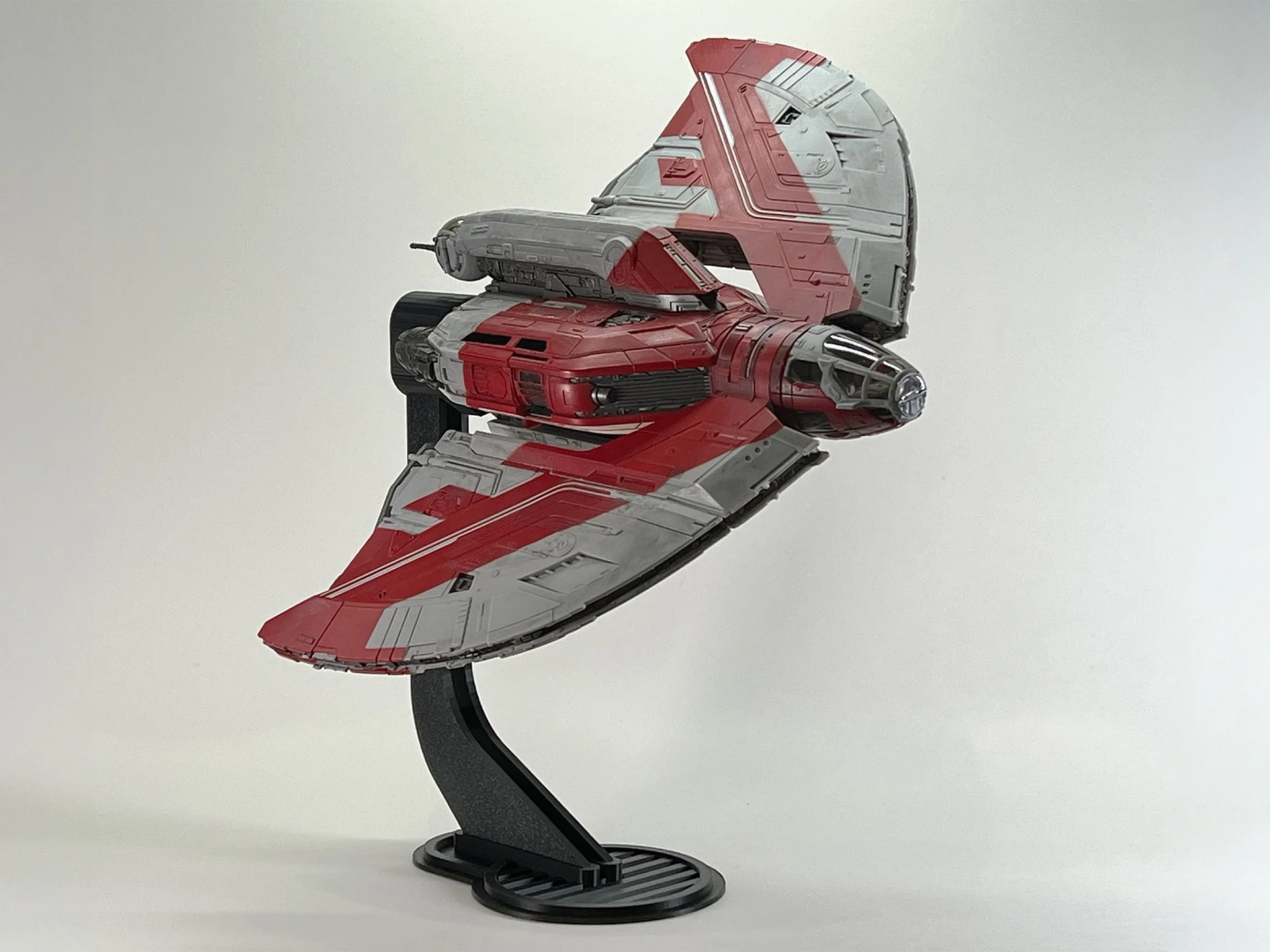
Detailed Micro Galaxy Squadron T-6 Shuttle, inspired by Ahsoka Tano, presented on a black display stand with a clean, neutral backdrop for a striking visual effect.

Instructions

Step-by-step flight stand instructions for the Ahsoka Tano T-6 Shuttle from the Micro Galaxy Squadron series, displayed clearly against a plain background, guiding Star Wars collectors on proper assembly and display.
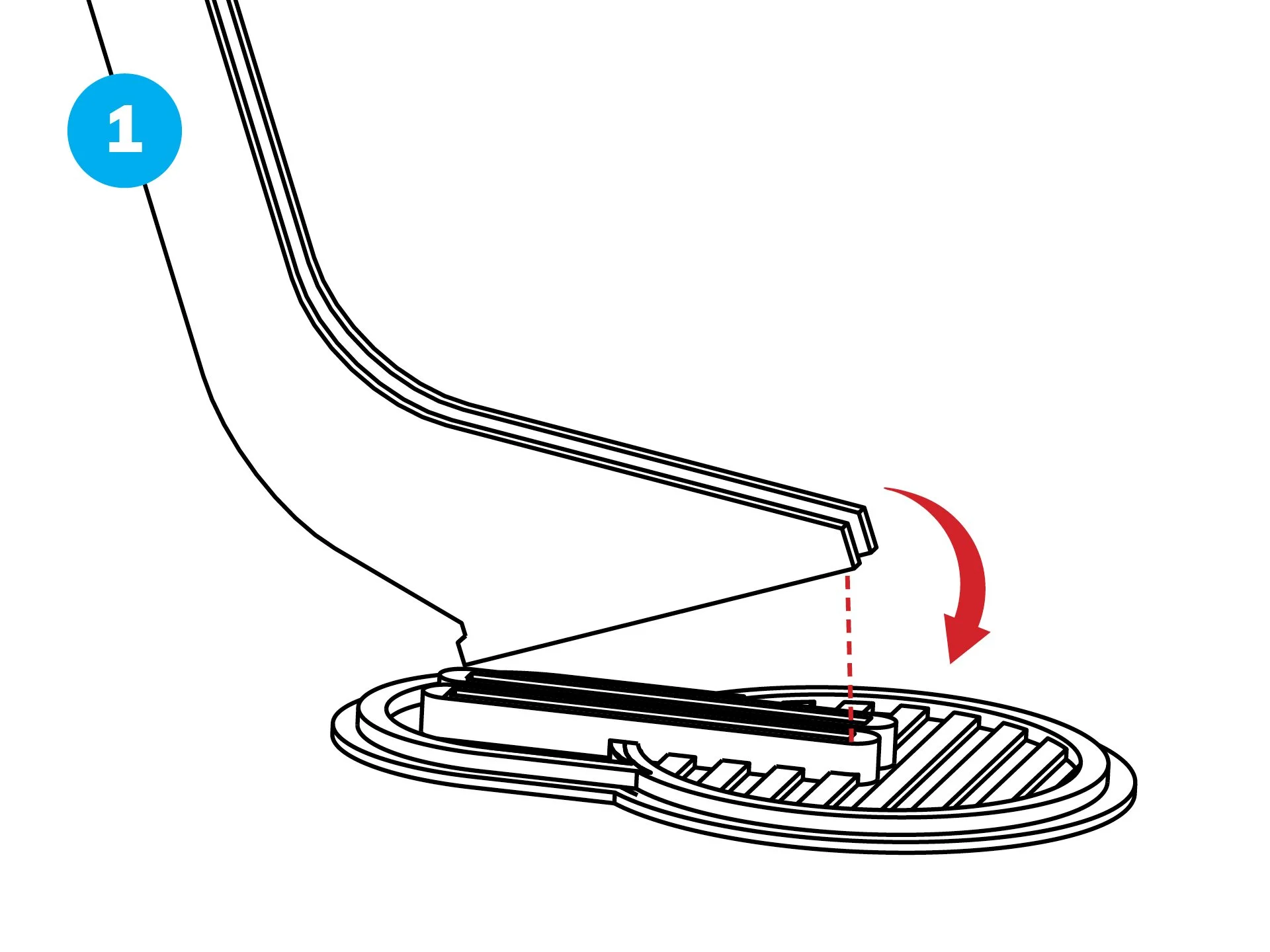
  • Begin by inserting the hooked rear of the Upright.

  • Press the front down firmly until it locks in place. (Optional: Apply a small drop of superglue for extra stability, then let it dry.)
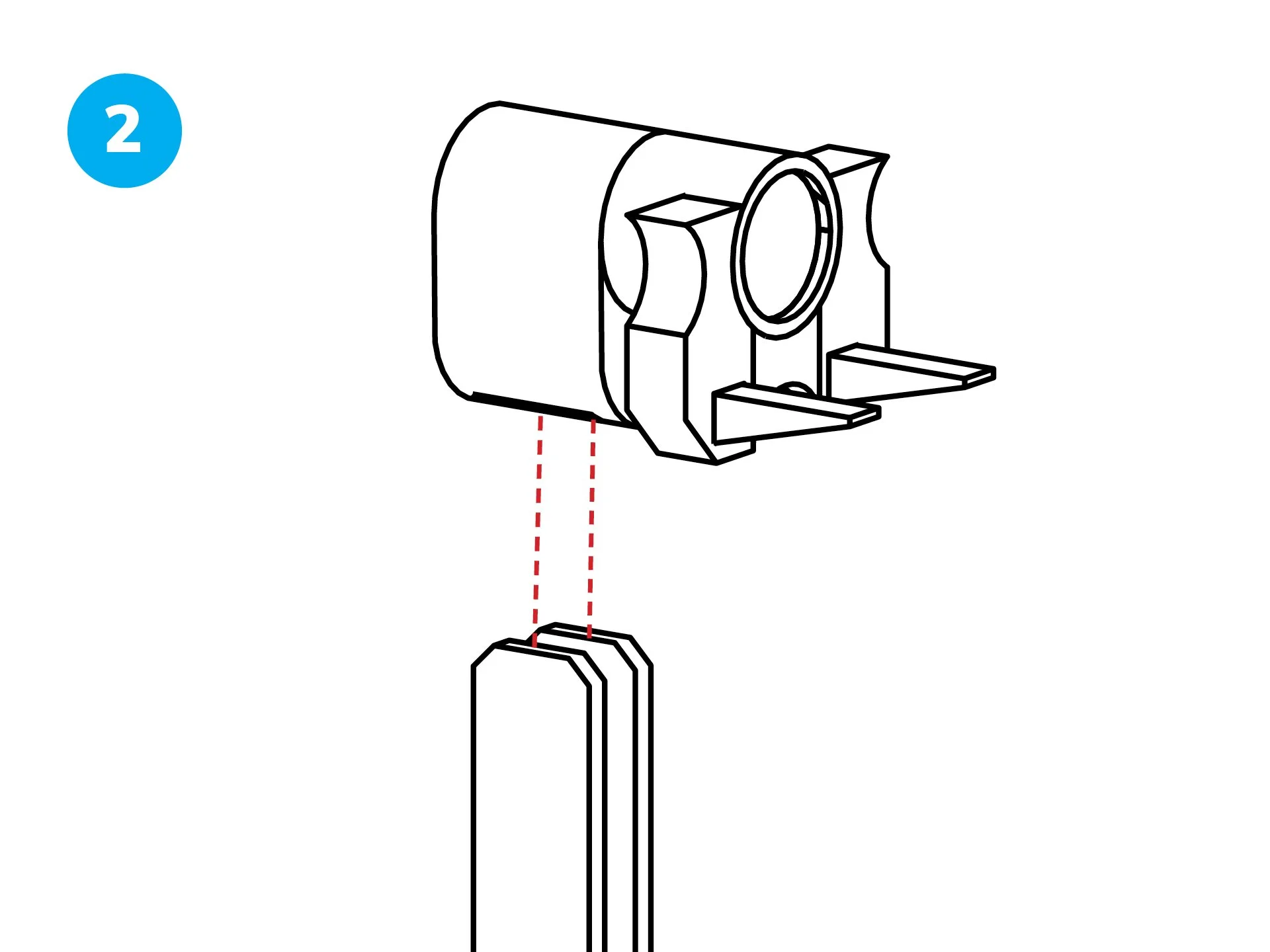
Detailed diagram of the flight stand setup for the Star Wars Micro Galaxy Squadron Ahsoka Tano T-6 Shuttle, presented on a neutral backdrop, providing precise instructions for secure and dynamic positioning.
  • Slide the Swivel Mount/Bolt Sleeve assembly onto the Upright.
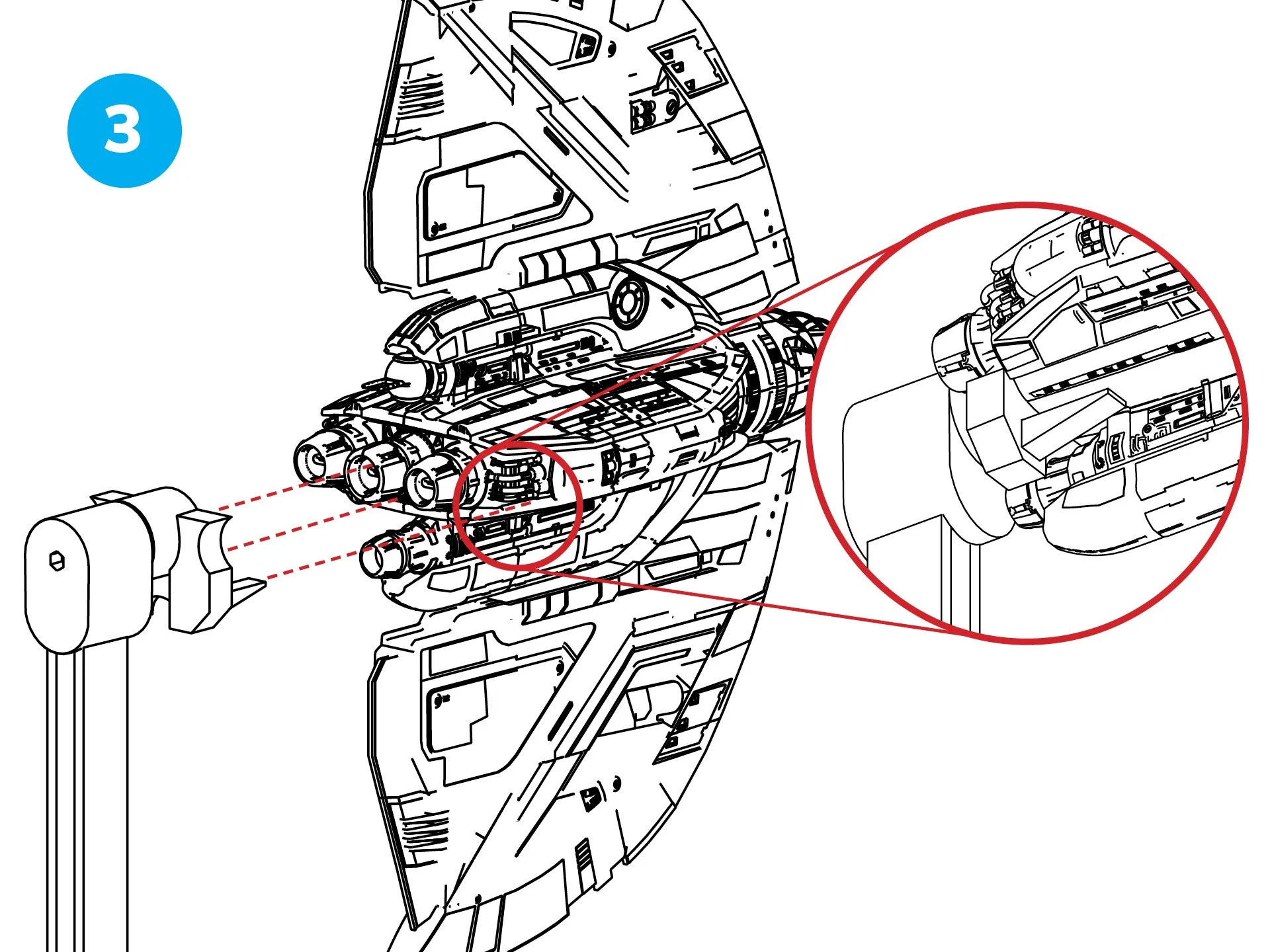
Instructional image for assembling the flight stand of the Ahsoka Tano T-6 Shuttle in the Micro Galaxy Squadron collection, showcased with clarity on a simple background to assist enthusiasts in achieving an authentic Star Wars display.
  • Attach the Swivel Mount assembly by sliding it onto the central thruster located at the back of the ship.

  • Position the forks of the Swivel Mount assembly beneath the ship by sliding them into place.
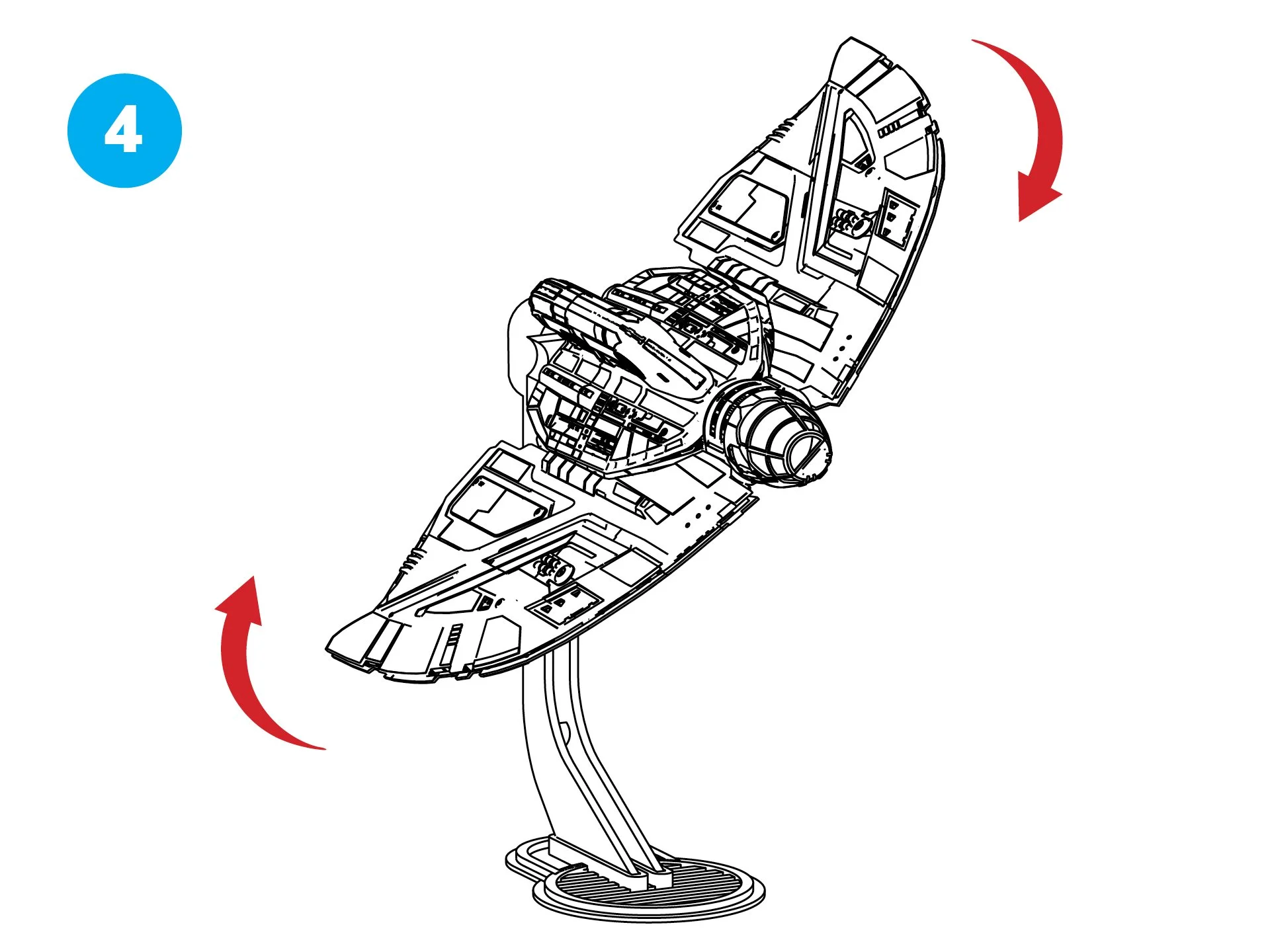
Comprehensive guide to the flight stand installation for the Micro Galaxy Squadron Ahsoka Tano T-6 Shuttle, illustrated against a minimalist background, emphasizing key steps for optimal Star Wars model presentation.
  • Your T-6 Suttle is now ready for display!

  • The Swivel Mount/Bolt Sleeve assembly enables you to secure the wings in position while allowing adjustments to the ship’s rotation.
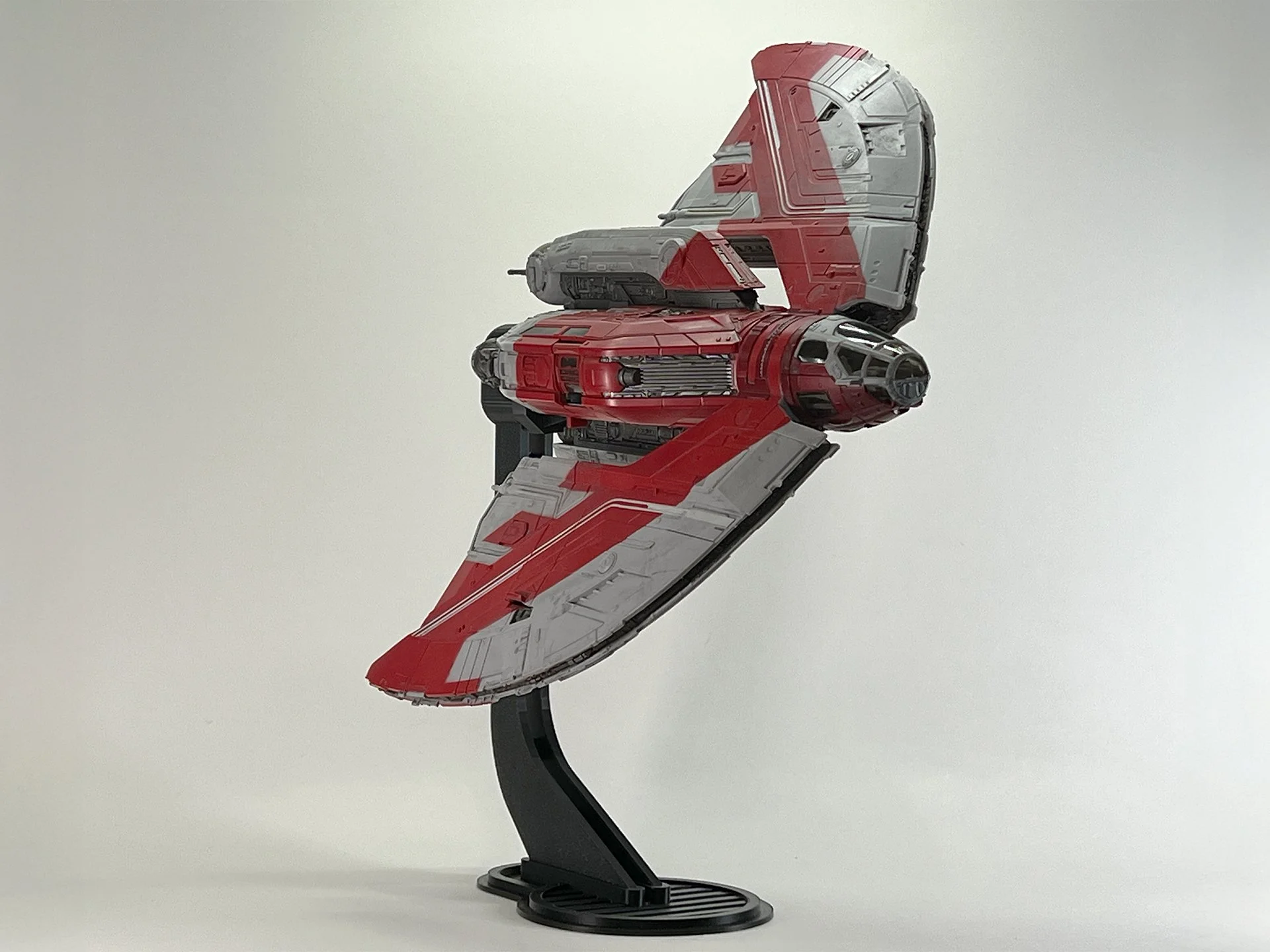
Star Wars Micro Galaxy Squadron Ahsoka Tano T-6 Shuttle, meticulously crafted and displayed on a black stand, set against a simple background to emphasize its collectible details.
  • You can arrange the wings in any desired setup.


Instructions (6 Inch Stand)

Step-by-step flight stand instructions for the Ahsoka Tano T-6 Shuttle from the Micro Galaxy Squadron series, displayed clearly against a plain background, guiding Star Wars collectors on proper assembly and display.
  • Begin by inserting the hooked rear of the Upright.

  • Press the front down firmly until it locks in place. (Optional: Apply a small drop of superglue for extra stability, then let it dry.)

Detailed diagram of the flight stand setup for the Star Wars Micro Galaxy Squadron Ahsoka Tano T-6 Shuttle, presented on a neutral backdrop, providing precise instructions for secure and dynamic positioning.
  • Slide the Swivel Mount/Bolt Sleeve assembly onto the Upright.
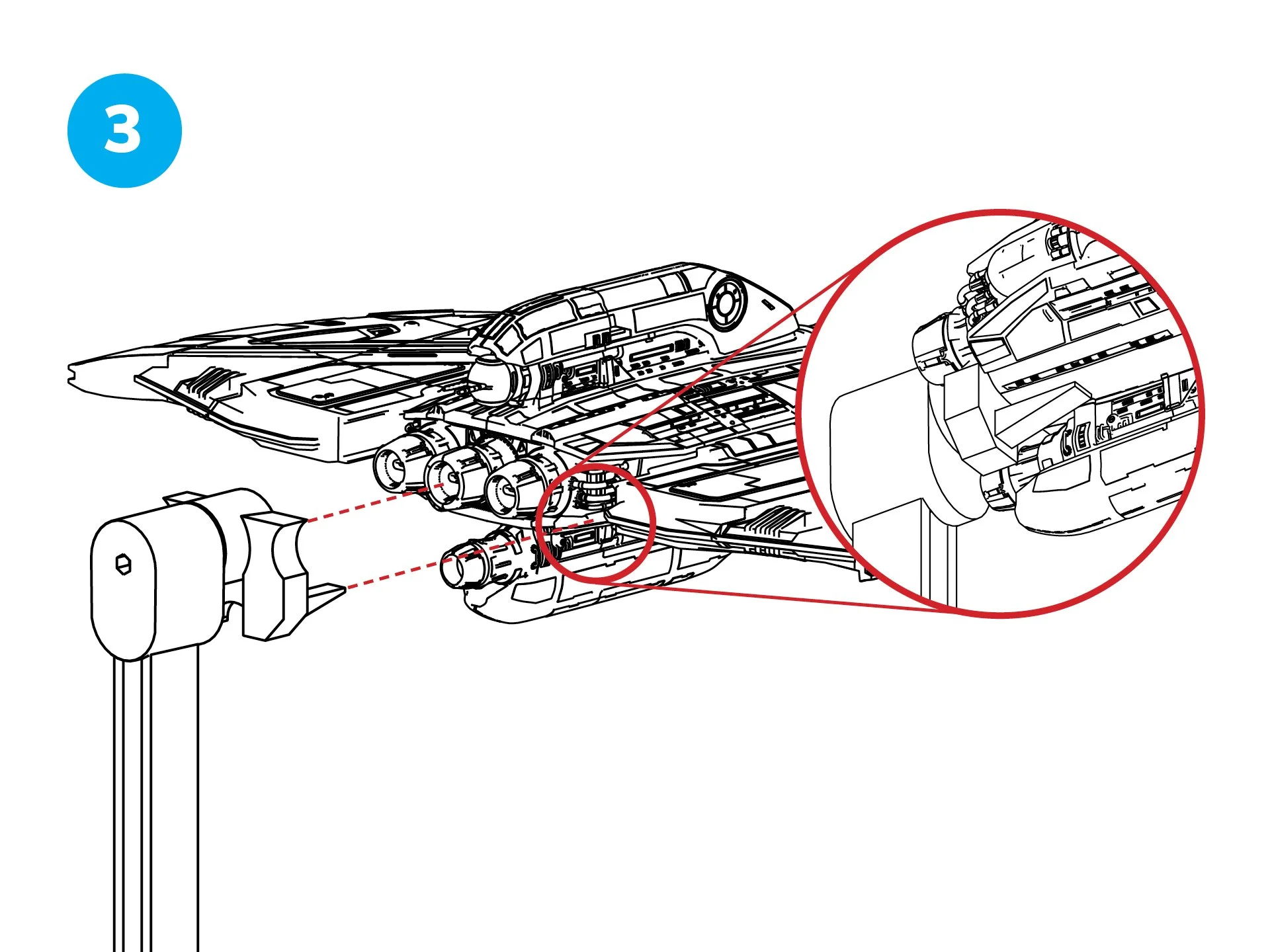
Close-up view of a spaceship's engine component, with an inset showing detailed internal machinery.
  • Attach the Swivel Mount assembly by sliding it onto the central thruster located at the back of the ship.

  • Position the forks of the Swivel Mount assembly beneath the ship by sliding them into place.
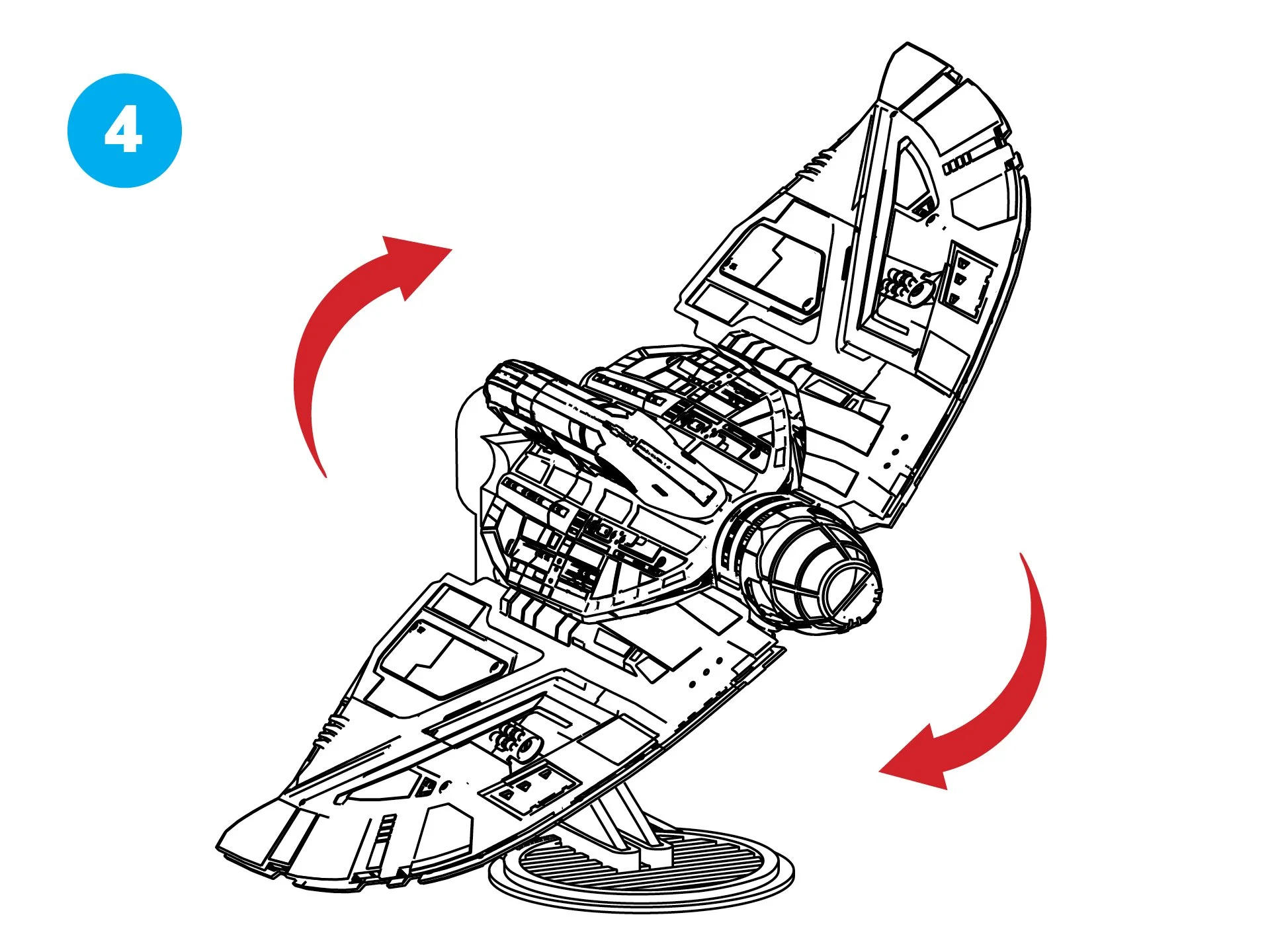
Line drawing of a spaceship model with a stand, showing sections that can be assembled or rotated, with red arrows indicating the movement directions.
  • Your T-6 Suttle is now ready for display!

  • The Swivel Mount/Bolt Sleeve assembly enables you to secure the wings in position while allowing adjustments to the ship’s rotation.
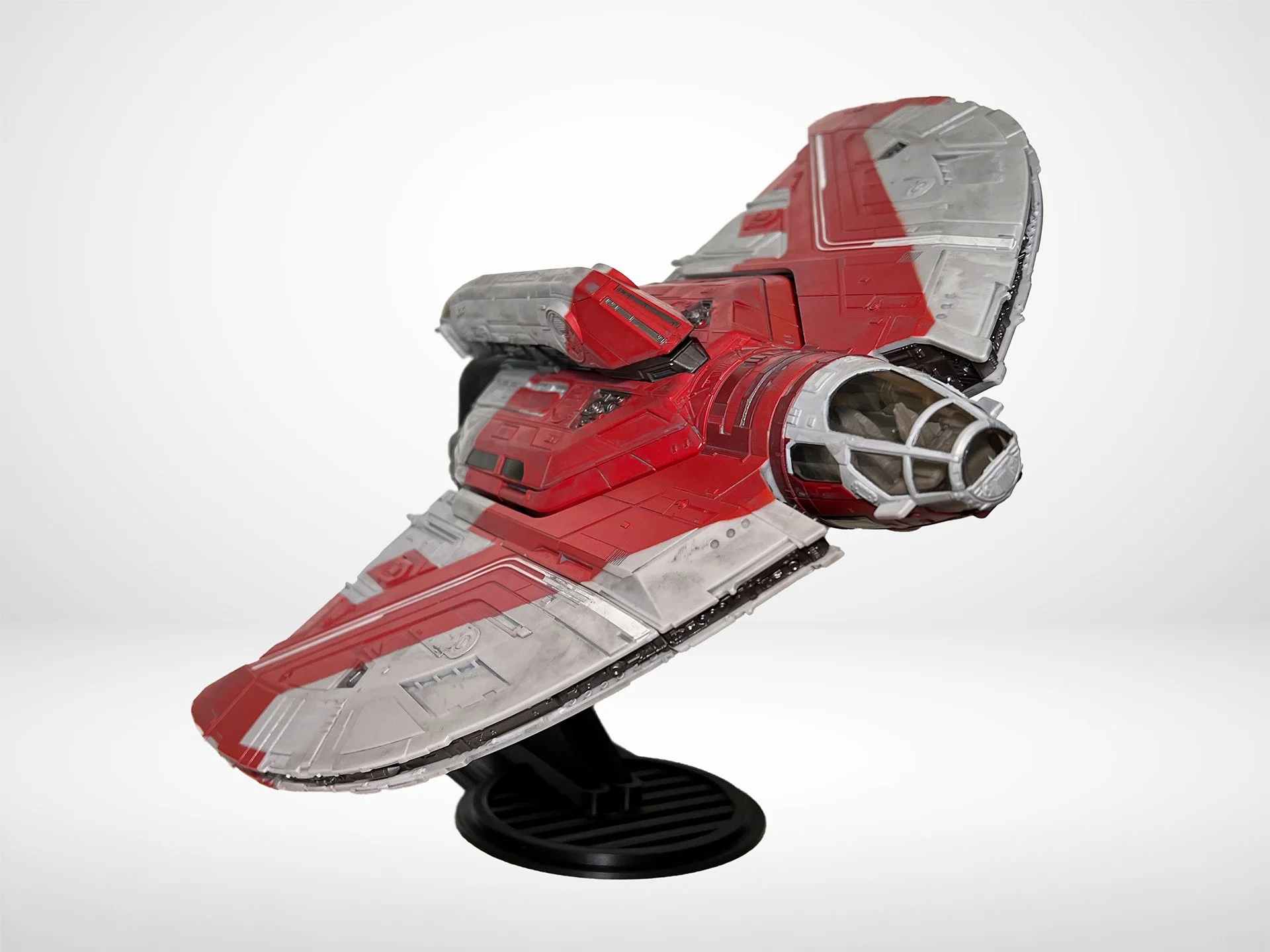
Intricately designed Micro Galaxy Squadron T-6 Shuttle, featuring Ahsoka Tano’s signature style, elevated on a black stand with a simple background for a bold presentation.
  • You can arrange the wings in a few positions, as this is the shorter version, but you still have many options to choose from.