
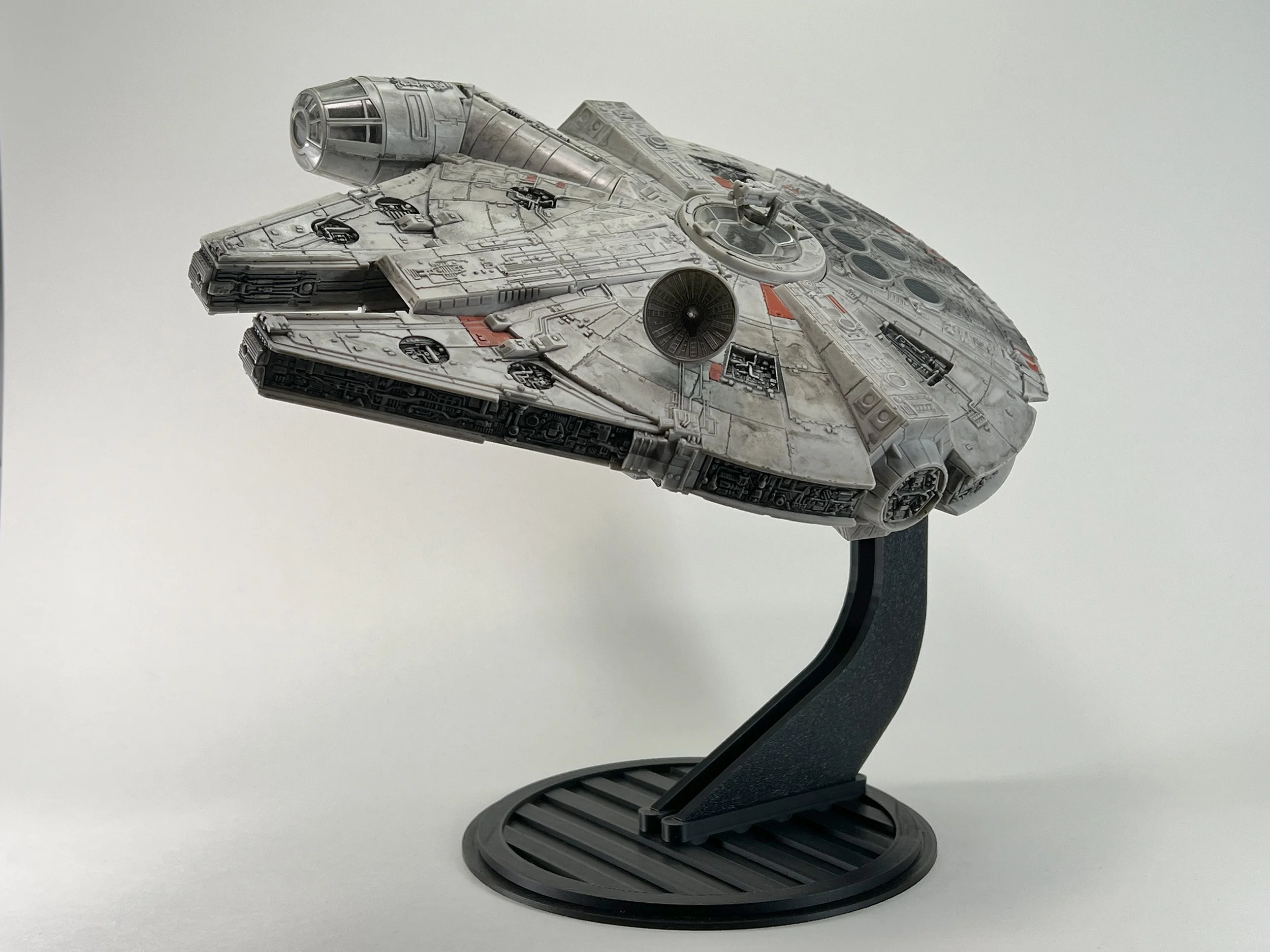
Micro Galaxy Squadron Millennium Falcon Flight Stand
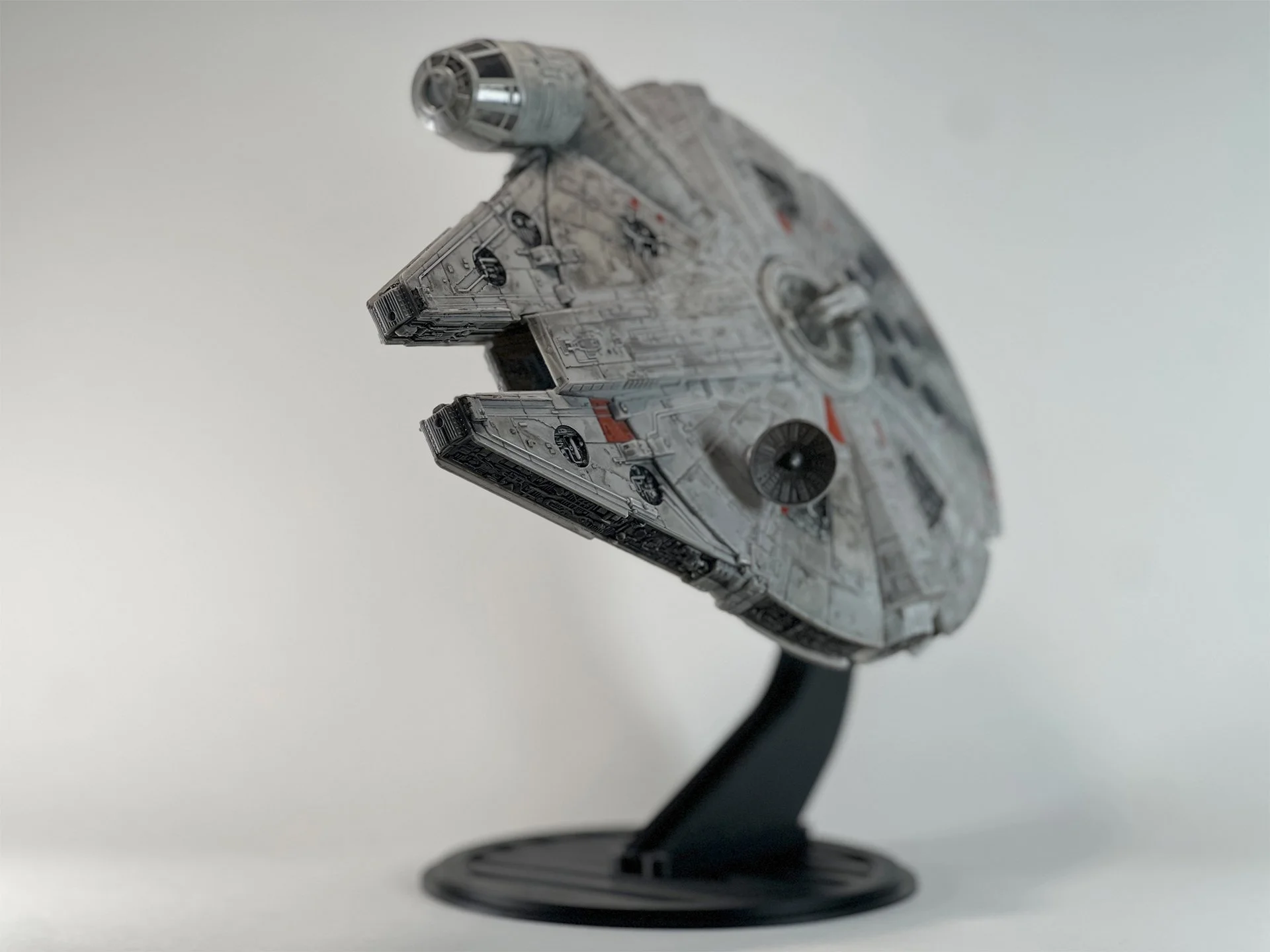
The Falcon is wide, heavy for its size, and full of detail people want to see from below and from the side — which is why a generic peg rarely works. This stand is sized for Micro Galaxy Squadron Millennium Falcon versions and uses a rear tension knob so you can lock a nose-up angle, a level cruise, or swing toward a cutaway view of the interior. Attached height lands around 9.5" angled or about 8" in horizontal flight mode, big enough to be a shelf centerpiece without a huge base footprint. Made to order in Minnesota (about 5–7 business days). Stand only; not an official Jazwares part.


Instructions

Begin by inserting the hooked rear of the Upright.
Press front down firmly until it locks in place.

Secure the Swivel Mount assembly by carefully sliding it onto the designated slots located at the bottom of the ship, adjacent to the retracted landing gear..

Attach the Swivel Mount/Bolt Sleeve assembly, secured to the ship, by sliding it onto the Upright.

Important: Loosen the tension knob prior to rotating the ship on the stand.
Adjust the ship to your desired angle for optimal display.

Tighten the tension knob to securely fix the ship at your preferred angle.

Your Millennium Falcon is now ready for display! Test the rotation and adjust if needed.